Enforcing Immutable Actions with Required Workflows
Using a required workflow to enforce that all GitHub Actions in your pull requests reference immutable releases, adding a supply chain security gate at the organization or enterprise level
Overview
Immutable releases are one of the best supply chain security features GitHub offers for actions. When a repository enables immutable releases, published releases cannot be modified or deleted. This prevents an attacker (or compromised account) from force-pushing a tag after users have already pinned to it.
The problem is that there is no built-in policy today to require that actions referenced in your workflows use immutable releases. GitHub recently added a policy that supports blocking actions and requiring full 40-character SHA pinning, but that only covers commit SHAs. There is nothing for immutable releases specifically.
And there is another subtlety: just because a repository’s current release is immutable doesn’t guarantee that future releases will be. A repo owner can disable the immutable releases setting at any time, meaning past releases stay immutable but new ones won’t be. So you need a way to continuously verify that the actions you depend on are referencing immutable releases or commit SHAs.
In my previous post on maintaining open source GitHub Actions, I mentioned the ensure-immutable-actions action I built for exactly this purpose. In this post, I will walk through how to set it up as a required workflow so that every pull request across your organization (or enterprise) is automatically checked.
The ensure-immutable-actions Action
The joshjohanning/ensure-immutable-actions action scans the workflow files in a repository and reports on every action reference it finds. It categorizes each action as:
- ✅ First-party: Actions from
actions/*,github/*, andoctokit/*organizations are automatically allowed by default. These organizations are excluded in GitHub’s own CodeQL immutable actions query pack. If you want to require that even first-party actions use immutable releases or full SHA references, you can opt in with theinclude-first-partyinput - ✅ Immutable: Third-party actions referencing an immutable release tag or a full 40-character commit SHA
- ❌ Mutable: Third-party actions referencing a mutable release, a major version tag without a release (e.g.,
v3), or a branch name
When fail-on-mutable is true (the default), the action fails the workflow if any mutable actions are found, preventing the PR from being merged.
Inputs
| Input | Description | Default |
|---|---|---|
github-token | GitHub token for API calls | ${{ github.token }} |
fail-on-mutable | Fail the workflow if mutable actions are found | true |
workflows | Specific workflow files to check (comma-separated). If not specified, checks all workflows | All workflows |
exclude-workflows | Workflow files to exclude from checks. Only applies when workflows is not specified | - |
include-first-party | Include first-party actions (actions/*, github/*, octokit/*) in immutability checks instead of automatically allowing them | false |
The workflows and exclude-workflows inputs are useful if you want to check only specific workflows or skip certain ones.
Setting Up the Required Workflow
To enforce this check across all repositories in your organization (or enterprise), you can configure it as a required workflow using repository rulesets.
Step 1: Create the Workflow
First, create the workflow in a shared repository. I use a dedicated required-workflows-public repo for this.
The workflow file needs to be in a repository whose visibility matches the repositories you want to run it in: a public workflow can run on any repository, an internal workflow on internal and private repositories, and a private workflow only on private repositories. If the workflow is in an internal or private repository, you will need to allow access to it from other repositories in the organization.
1
2
3
4
5
6
7
8
9
10
11
12
13
14
15
16
name: Check Action Immutability

on:
  pull_request:

permissions:
  contents: read

jobs:
  check-immutable:
    runs-on: ubuntu-latest
    steps:
      - uses: actions/checkout@v6

      - name: Ensure immutable actions
        uses: joshjohanning/ensure-immutable-actions@v2
The workflow triggers on pull_request, which covers PR opens, reopens, and synchronization events (new pushes to the PR branch). The action checks out the repository and then scans the workflow files for mutable action references.
Step 2: Create the Repository Ruleset
Next, create a repository ruleset at the organization level (or enterprise level) that requires this workflow to pass before merging:
- Navigate to your organization’s (or enterprise’s) Settings → Rules → Rulesets
- Create a new ruleset targeting the repositories you want to enforce
- Set the target branches - I target the default branch so the check runs on any PR merging into
main/master/ etc. - Under Require workflows to pass before merging, add the workflow from your shared repository
- Set the enforcement status to active (or evaluate if you want to see the workflow run but not be blocking)
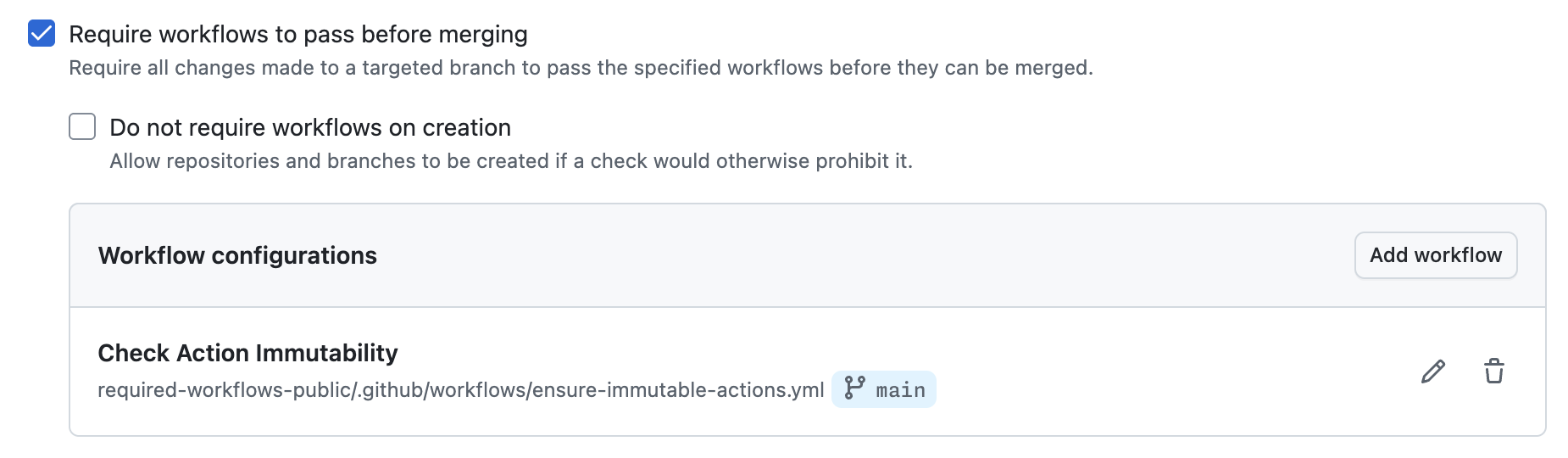
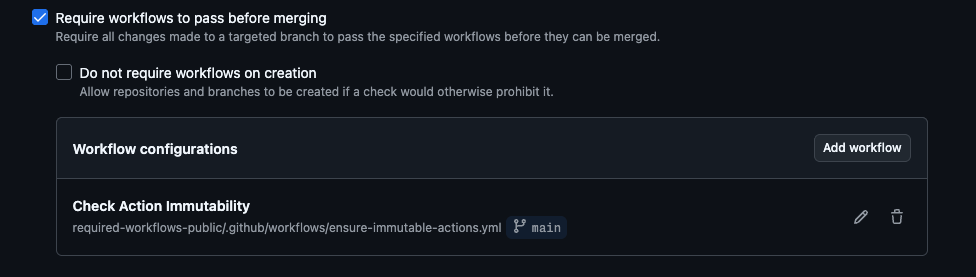 Configuring the required workflow in a repository ruleset
The ruleset points to the ensure-immutable-actions.yml workflow in the required-workflows-public repository on the main branch. Every PR in the targeted repositories will now run this check automatically.
Step 3: Create a PR and Test
Open a pull request in one of the targeted repositories to verify the check runs. The required workflow will appear as a status check on the PR, and the job summary will show the results of the immutability scan.
What It Looks Like
All Actions Immutable (SHA Pinned)
When all third-party actions in the repository’s workflows are using immutable releases or full SHA references, the check passes:
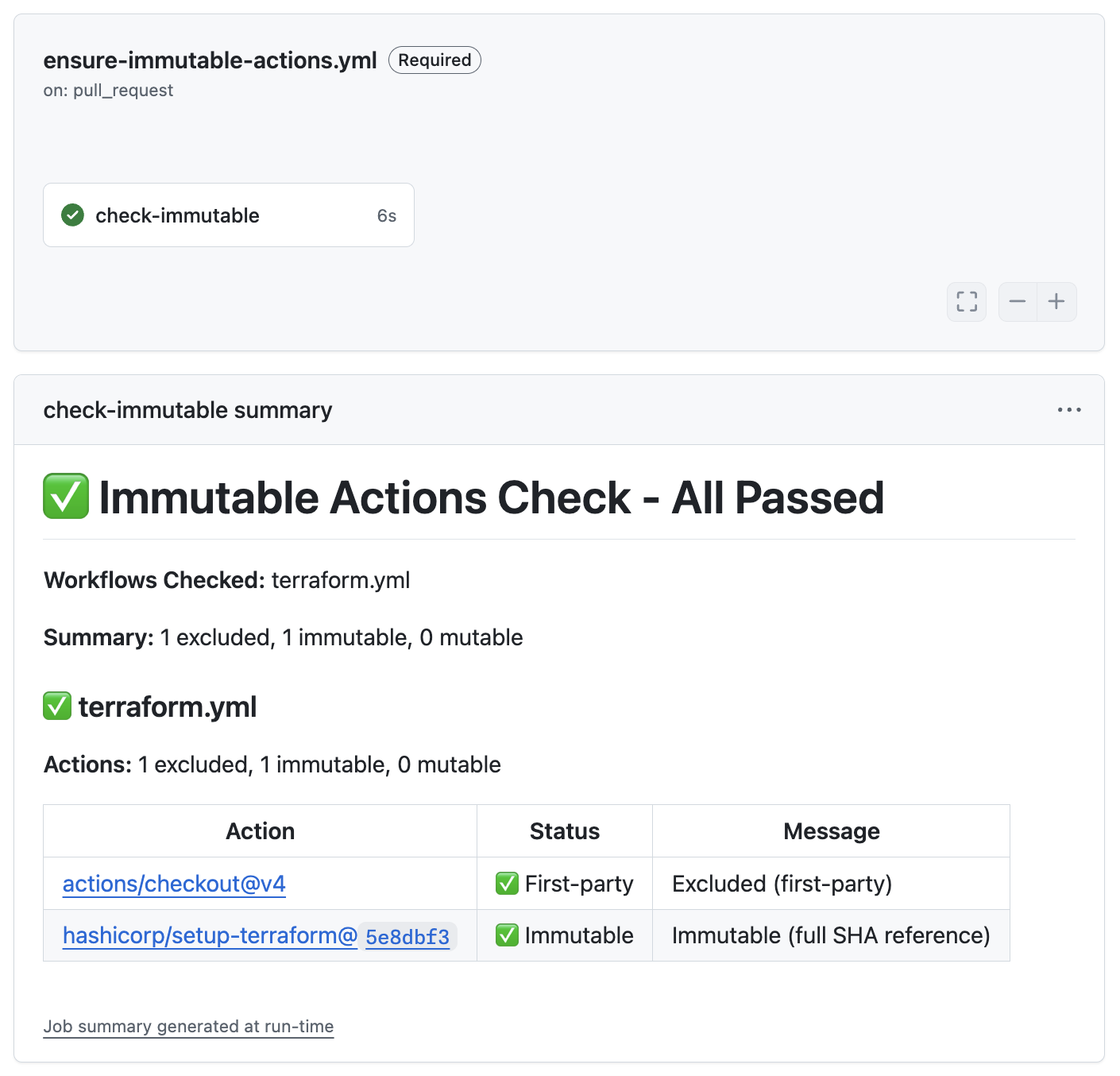
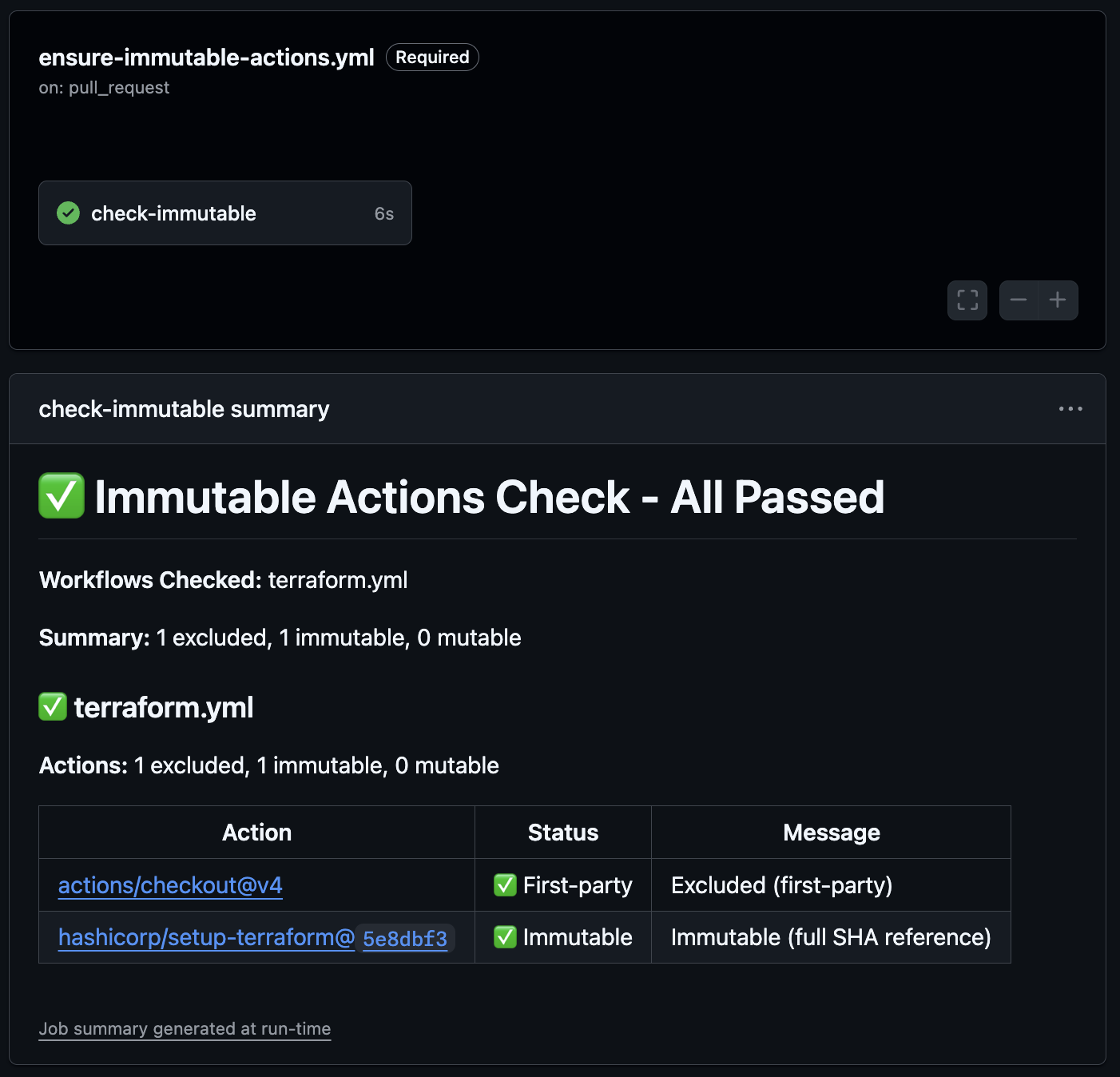 All actions pass: first-party actions are automatically allowed, and the third-party action uses a full SHA reference
In this example, the hashicorp/setup-terraform action is pinned to a full 40-character commit SHA, which is inherently immutable. The actions/checkout and github/codeql-action actions are first-party and automatically allowed.
All Actions First-Party
If your workflows only use first-party actions, the check passes with no third-party actions to validate:
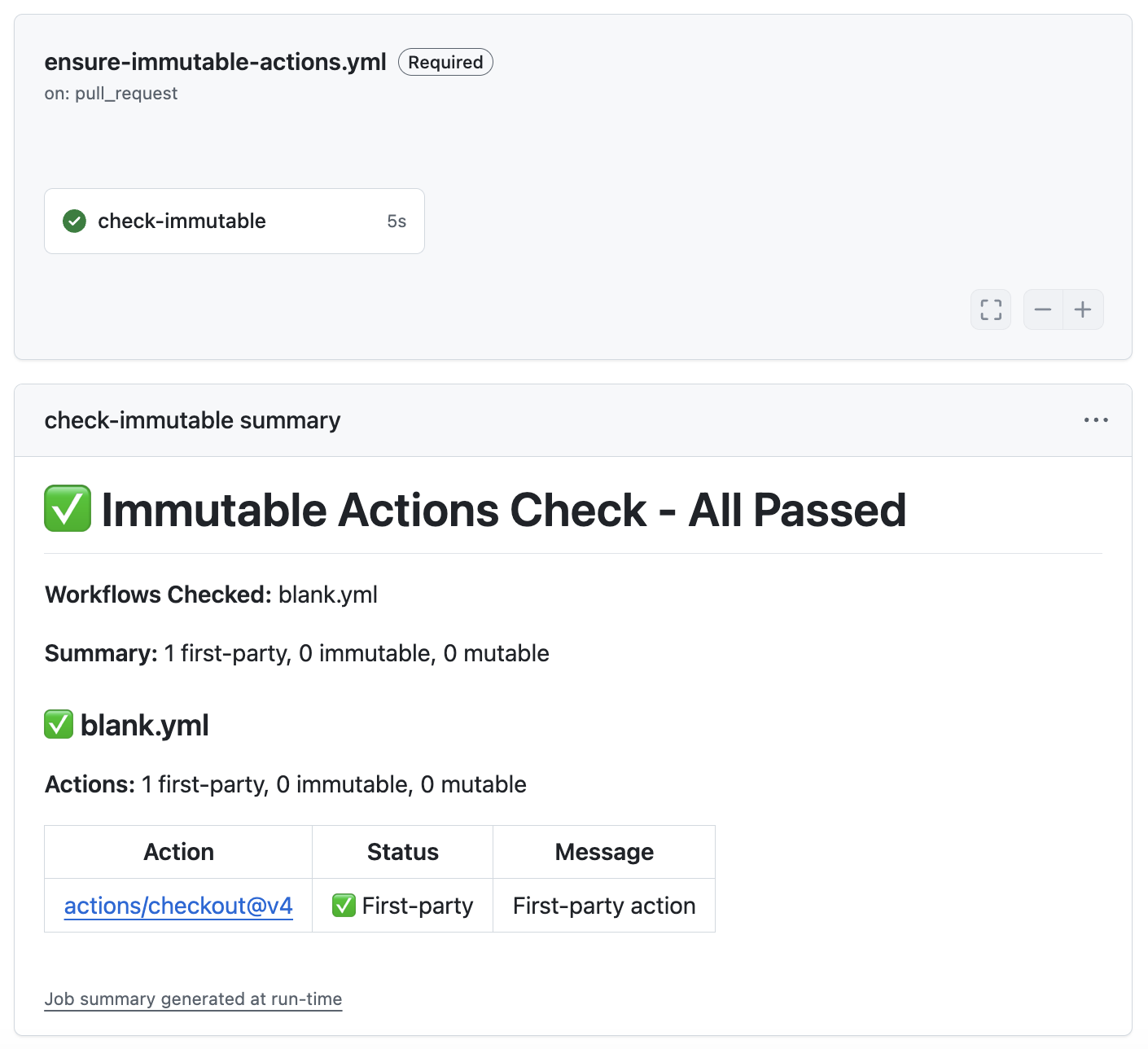
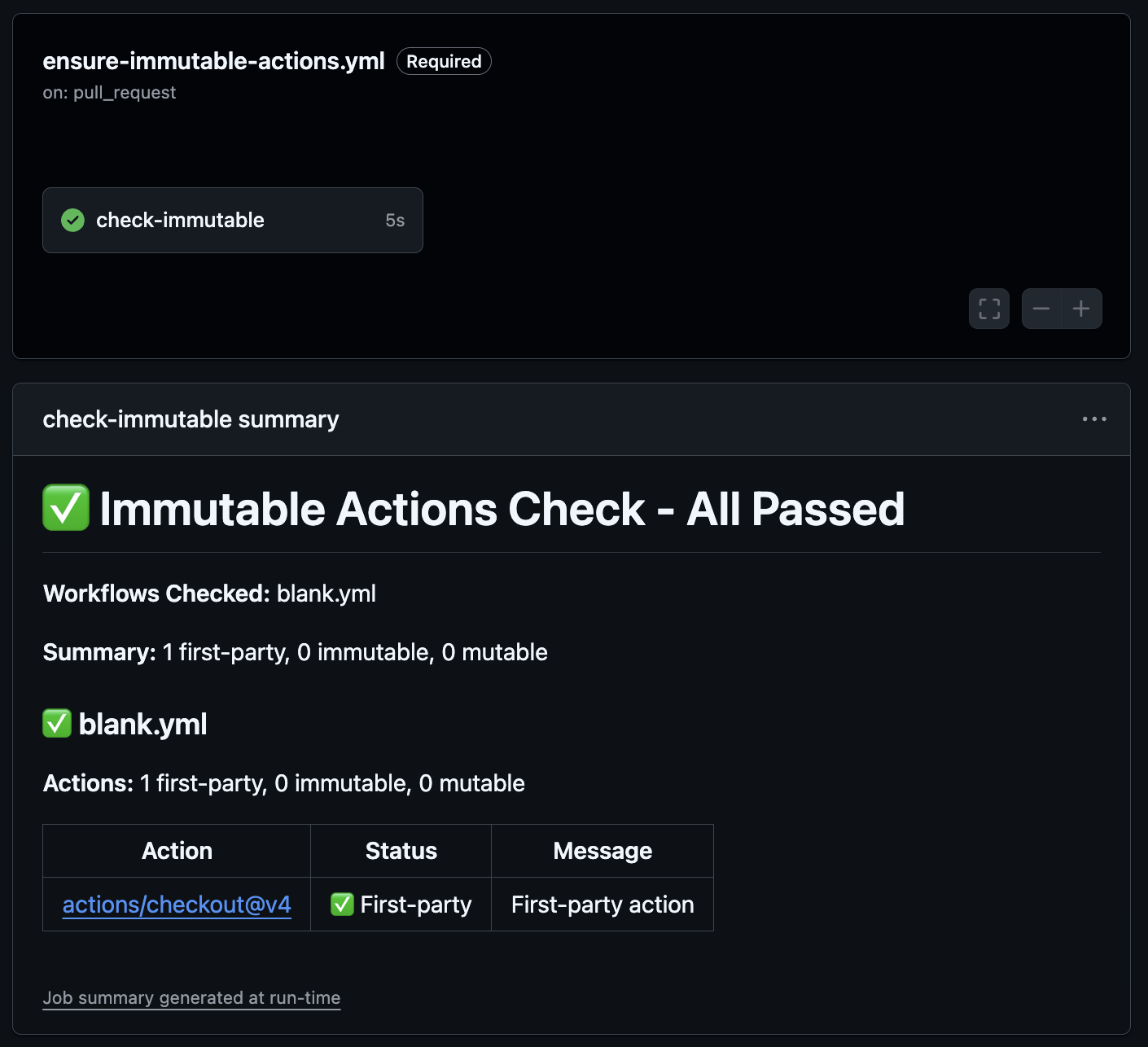 Only first-party actions in the workflow, nothing else to check
Mutable Action Detected
When a workflow references an action with a mutable release, the check fails and blocks the PR from merging:
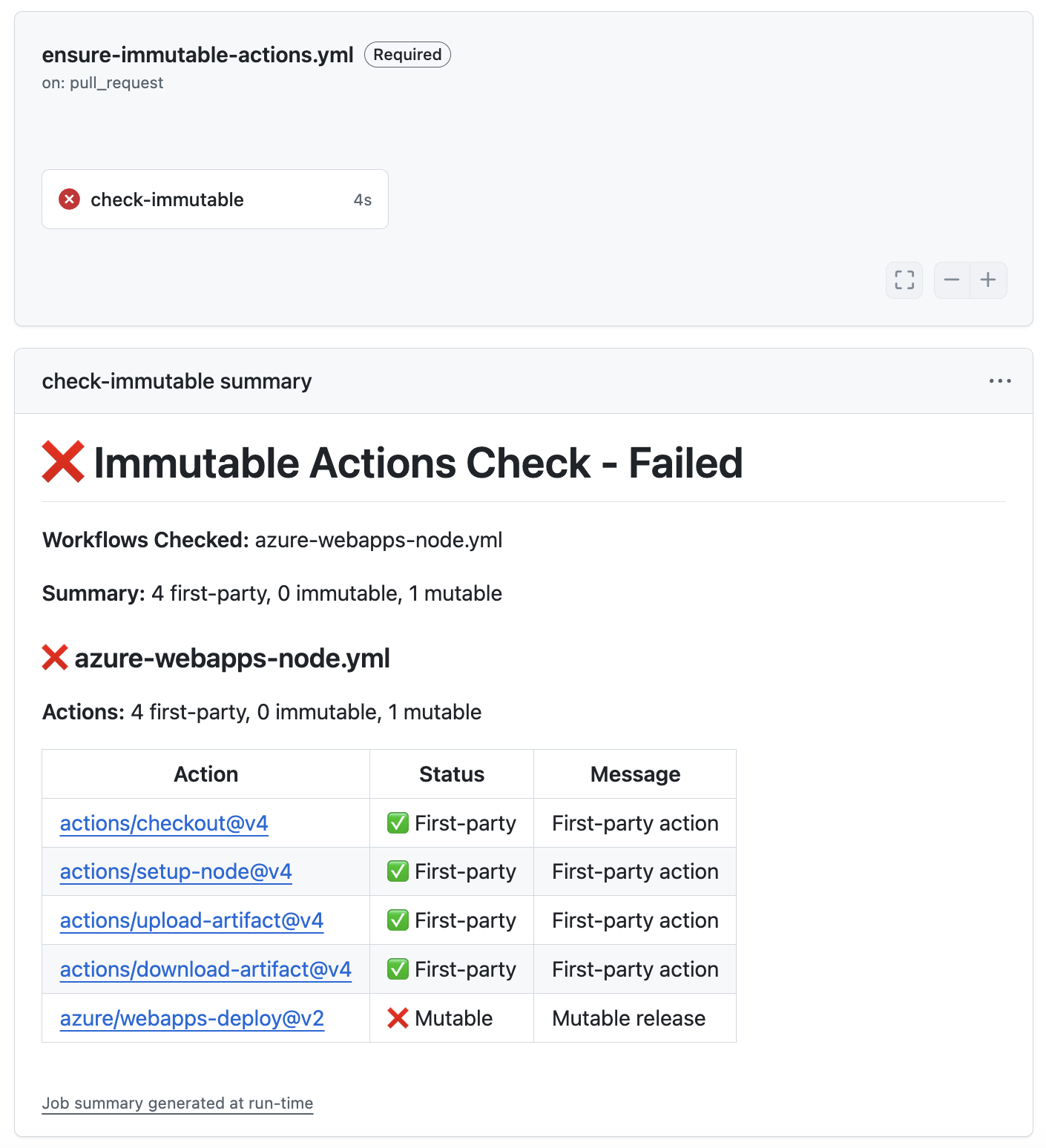
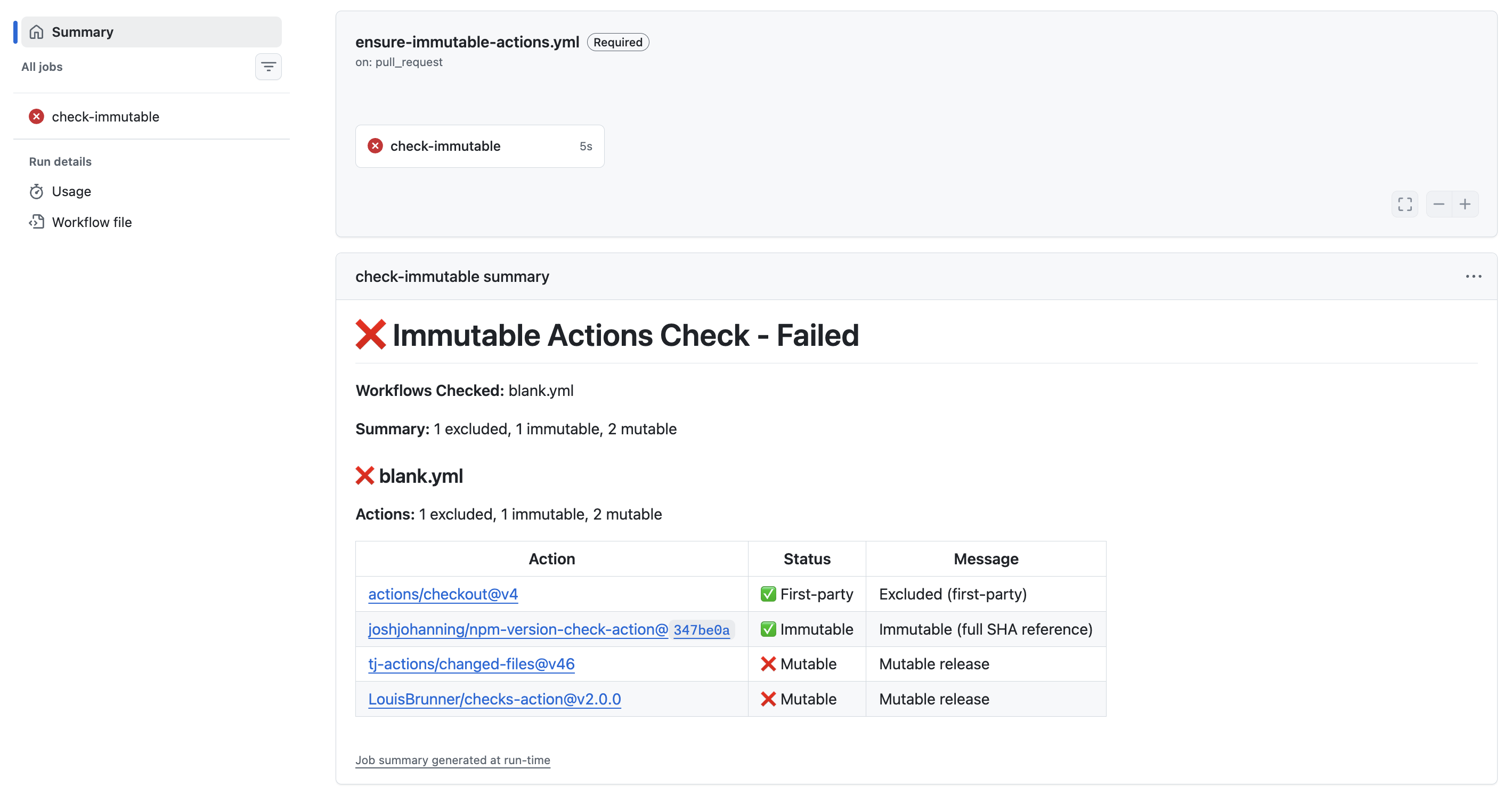
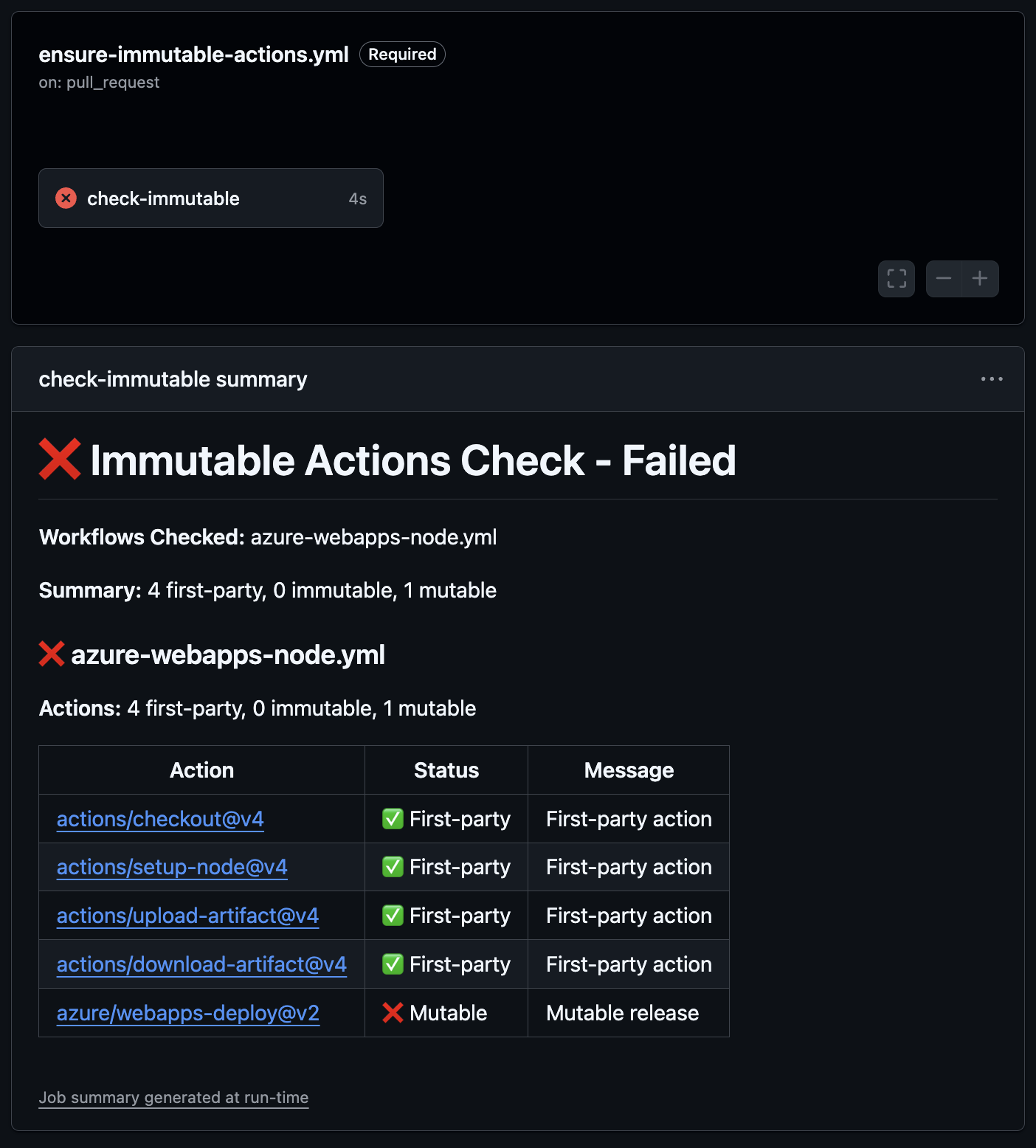 The check fails:
 azure/webapps-deploy@v2 is using a mutable release
The job summary clearly shows which action is the problem and why. In this case, azure/webapps-deploy@v2 is flagged as mutable because the release is not immutable. The developer can fix this by switching to a version that has an immutable release, pinning to a commit SHA, or asking the action maintainer to enable immutable releases.
If you want help pinning actions to full commit SHAs, check out the
gh-pin-actionsghCLI extension. It can automatically pin all actions in your workflow files to their corresponding SHAs.
Summary
While GitHub’s built-in policies cover SHA pinning, there is currently no native policy to require immutable releases for actions. By combining the ensure-immutable-actions action with a required workflow in a repository ruleset, you can enforce immutable action references across your entire organization or enterprise.
This gives you a continuous enforcement mechanism, not just a point-in-time check. Even if an action maintainer disables immutable releases in the future, the next PR that references a new mutable version of that action will be caught.
The action itself uses immutable releases! You can verify this on the releases page. Look for the immutable 🔒 badge on each release.
For more context on immutable releases and how I use this in my own action maintenance workflow, check out my post on how I maintain my open source GitHub Actions.
Constant vigilance! 👀